
Keep exceptions visible
Use the tested routes to check which team receives each exception and how failures come to light.
AUT-012 · Automation
We route three order exceptions to the appropriate team with failure notifications.
Use the tested routes to check which team receives each exception and how failures come to light.
We route three order exceptions to the appropriate team with failure notifications.
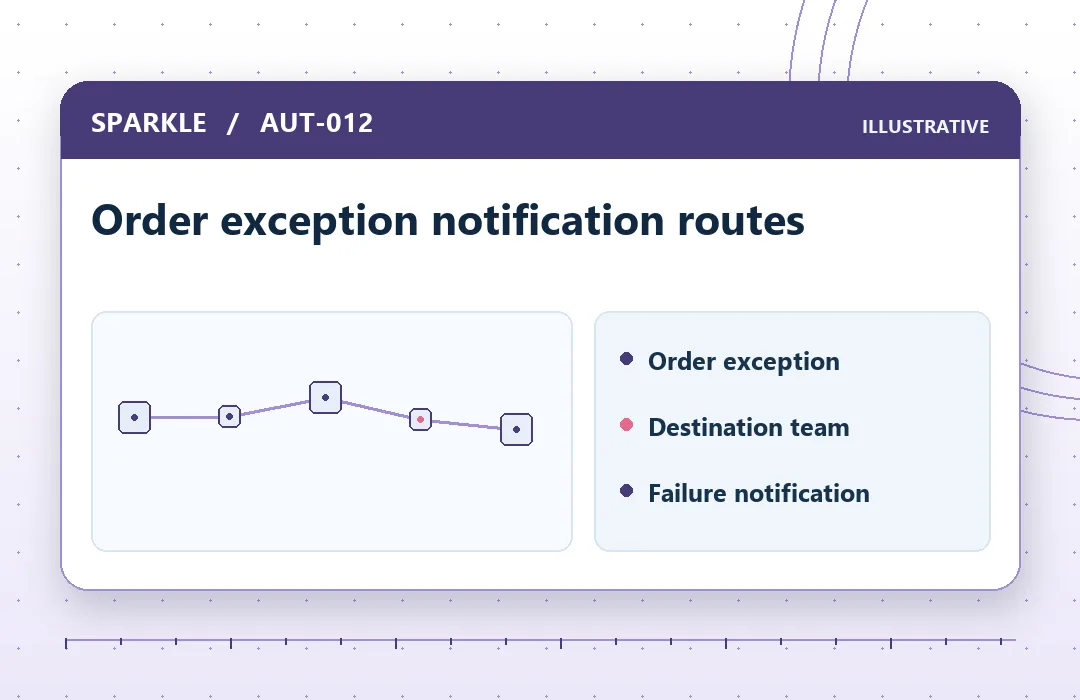
In the Order exception notification routes, follow “Order exception”, “Destination team” and “Failure notification” to check the handover against your original question.
Order exceptions can be missed when every notification goes to the same channel or delivery fails silently. The service is intended for operations and systems owners. Use the tested routes to check which team receives each exception and how failures come to light. It is useful when your team can identify the decision the work needs to support and name someone to review what comes back.
Approved test access, sample records and the workflow owner’s acceptance criteria. Before work starts, explain how the result will be used, which inputs are already approved and whether access or material must come from someone else. Flag gaps in the current information early so they can be handled within the scope or recorded for follow-up.
Confirm three exceptions and teams, Configure approved routing and Test delivery and failure alerts. The work takes place remotely through an agreed channel. We identify questions that affect the outcome, confirm where your team needs to make a decision and explain any assumptions that remain at handover.
Indicative delivery after agreed inputs are complete: 3–7 working days. Platform, AI usage and connector subscriptions are separate. Timing may also depend on access, client review or decisions outside the agreed scope. Confirm who owns those dependencies before using the estimate for a launch or other commitment.
Begin by checking the order exception notification routes against the original question and the information your team supplied. Decide whether you can act on the result directly or need to collect evidence, obtain approval or commission a separate implementation. That distinction helps you turn the assignment into a practical next step.
Work is limited to approved inputs and authorised systems. Test normal and exceptional cases before any rollout. AI outputs need human review and should not be treated as final decisions.
Describe the extra work when you enquire. Any change to the published scope, file limits or timing needs separate written agreement.
Wait for instructions about the agreed channel. Share only the material needed for the assignment and confirm that your organisation has the right to share it.
We connect one approved web form to one CRM with field mapping, duplicate rules and five tests.
We implement a two-stage internal approval flow with reminders and an audit trail in one existing tool.
Tell us about your business and the outcome you want to achieve.